Turn Instagram Reels Into Recipes You Can Cook
Save Instagram recipes the moment you find them. Paste any Reel or Post link into Nomrade and get a real recipe — ingredients, steps, macros — automatically.
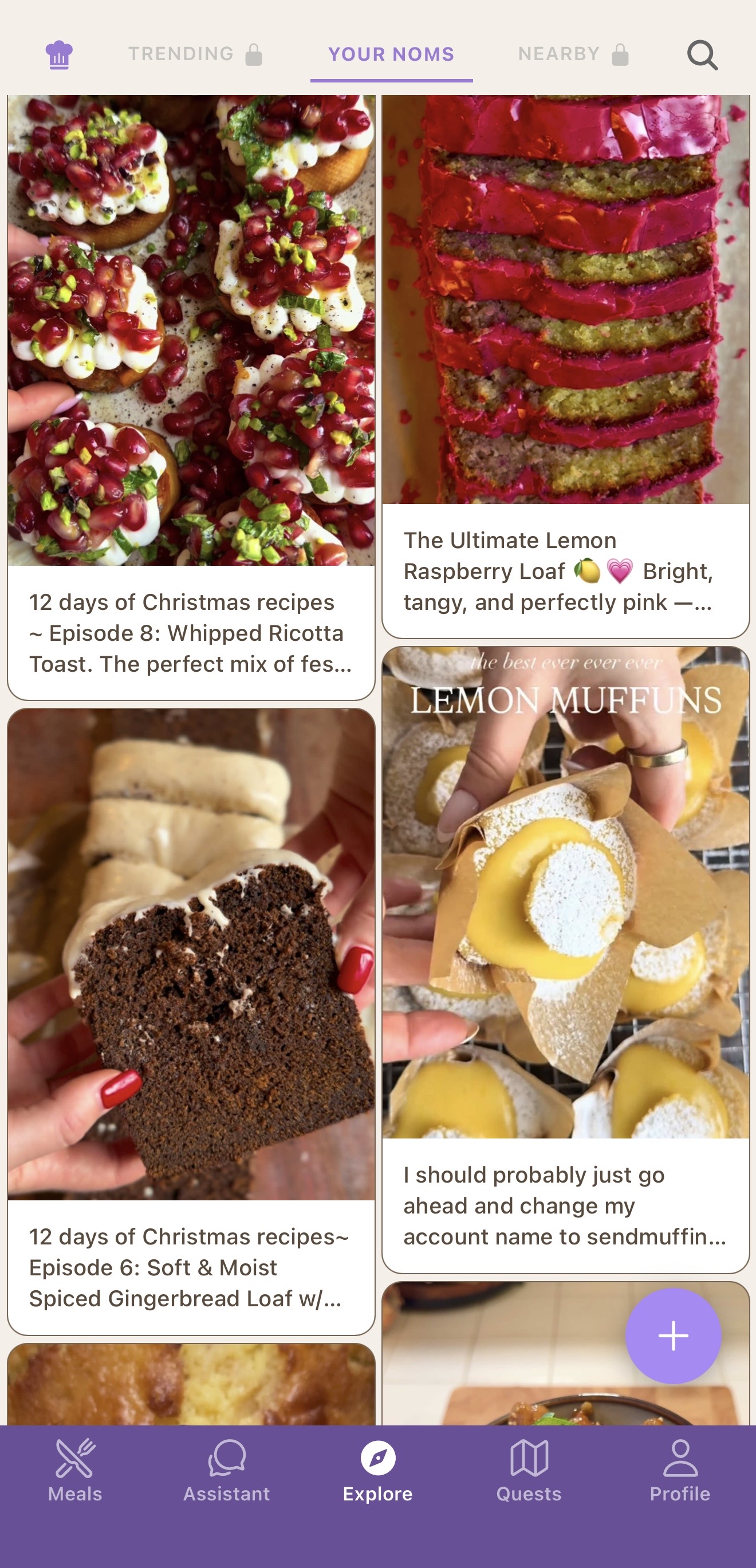
Instagram saves are where recipes go to die
You see a 22-second Reel of a perfect chili crisp egg. You hit save. The next time you open Instagram, the algorithm shows you something else — and that Reel is buried in a folder of 187 others, none of which have written ingredients.
Nomrade fixes the format gap. Every Reel and Post becomes a real recipe with ingredients, quantities, and ordered steps you can scroll through one-handed at the stove. The chili crisp egg you saved on a Tuesday is on the dinner table by Wednesday.
How it works
Copy the Instagram link
On any Reel or Post, tap the share icon and choose Copy link. On iOS you can also use the Share Sheet to send it straight to Nomrade.
Paste it into Nomrade
Nomrade pulls the caption, transcribes the voiceover with Whisper, runs OCR on visible text, then assembles a clean recipe in about ten seconds.
Save and cook
Review the auto-generated recipe, edit anything you want, and save. Cook it later with hands-free step mode or log it as a meal — macros included.
From Reel to dinner to food log
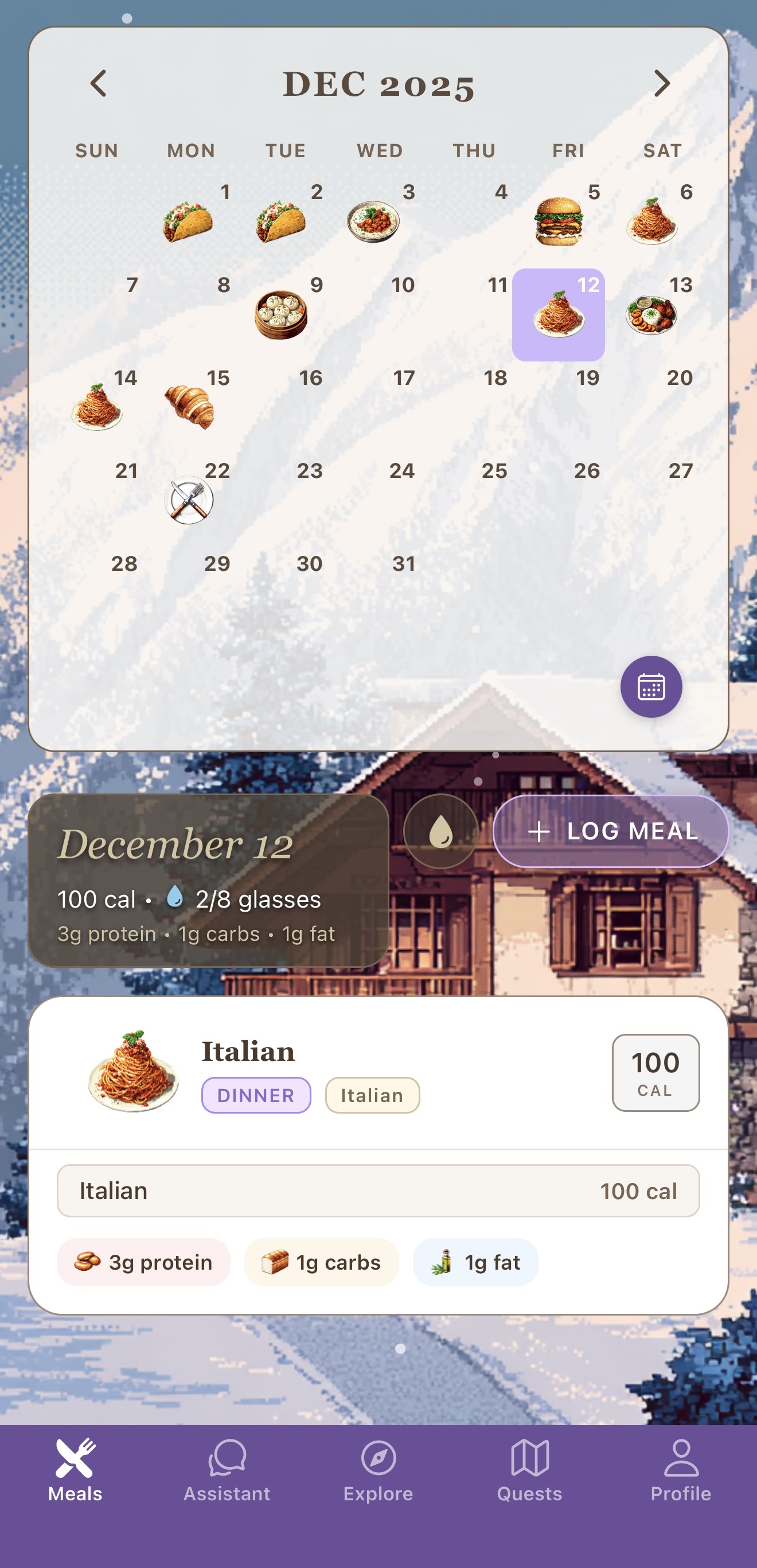
A lot of apps stop at the import. Nomrade keeps going. Every Instagram recipe you save is connected to your food diary, weekly meal plan, and food passport — so a Reel from Sunday night becomes Wednesday's dinner, logged in seconds with calories and protein already counted.
It works the same for TikTok and YouTube Shorts. Any short-form cooking video becomes a real, reusable recipe.
Frequently asked
Does Nomrade save recipes from Instagram Reels and Posts?
Yes. Nomrade works with Instagram Reels and feed Posts. Paste the URL or share it directly from Instagram, and Nomrade extracts ingredients, steps, and macros.
How does Nomrade read recipes from Instagram videos?
Nomrade pulls the caption, transcribes the voiceover with Whisper, and runs OCR on any text shown in the video. Then GPT-4o assembles a clean recipe with ingredients, quantities, and ordered steps.
Is saving Instagram recipes free?
Yes. The Nomrade app is free on iOS and Android, and Instagram recipe imports are included in the free tier. Full Course ($6.99/month or $41.99/year, with a 7-day free trial on annual) unlocks unlimited imports and extras.
Can I share recipes directly from the Instagram app?
Yes. On iOS, use the Share Sheet on any Reel or Post and select Nomrade. The app receives the link, generates the recipe, and saves it to your recipe book in one step.
What if the creator doesn't list ingredients?
Nomrade still works. The voiceover, on-screen text, and caption together usually contain everything needed. You can edit any ingredient or step before saving.
Save your next Instagram recipe in 10 seconds
Free on iOS and Android. The recipe saver, food diary, and AI meal planner — all in one app.