Save TikTok Recipes Instantly
Stop saving TikTok food videos you'll never make. Paste any TikTok URL into Nomrade and get a real recipe — ingredients, steps, macros — in about ten seconds.
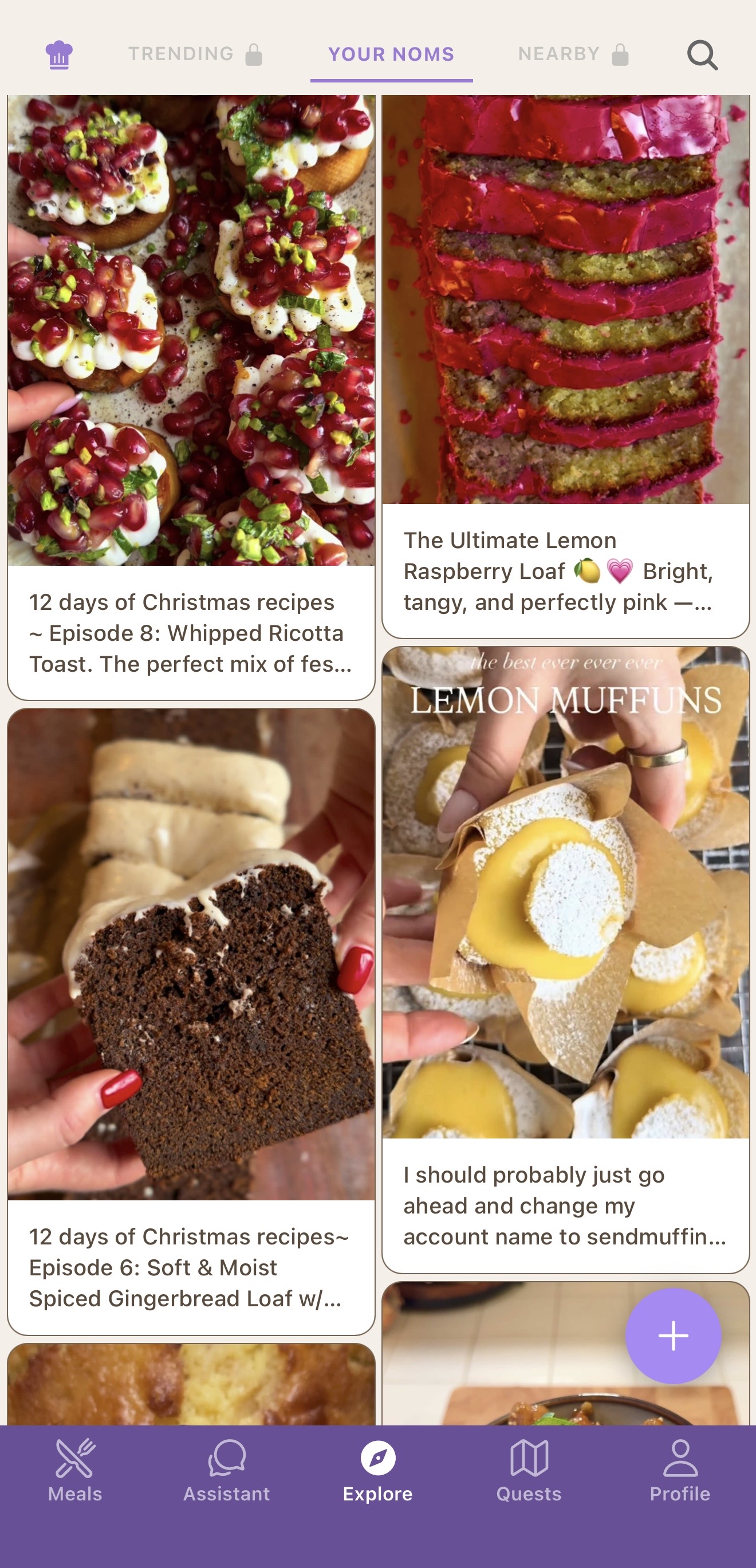
Your TikTok favorites folder is a graveyard
You scroll past a perfect-looking gochujang pasta. You hit save. A month later you have 312 saved videos, no idea what's in any of them, and you order takeout again. The format that made the recipe addictive — fast cuts, voiceover, no written ingredients — is the same thing that makes it impossible to actually cook.
Nomrade fixes that. The app reads the video for you, in real-time. Every TikTok food video becomes a structured recipe you can sort, search, plan around, and cook from your kitchen counter.
How it works
Copy the TikTok link
Tap Share on any TikTok cooking video and choose Copy link. Or use the iOS Share Sheet to send it straight to Nomrade — no copy-paste needed.
Paste it into Nomrade
Nomrade transcribes the audio with Whisper, runs OCR on slideshow text, and uses GPT-4o to assemble ingredients, quantities, and steps. About ten seconds.
Save, plan, cook
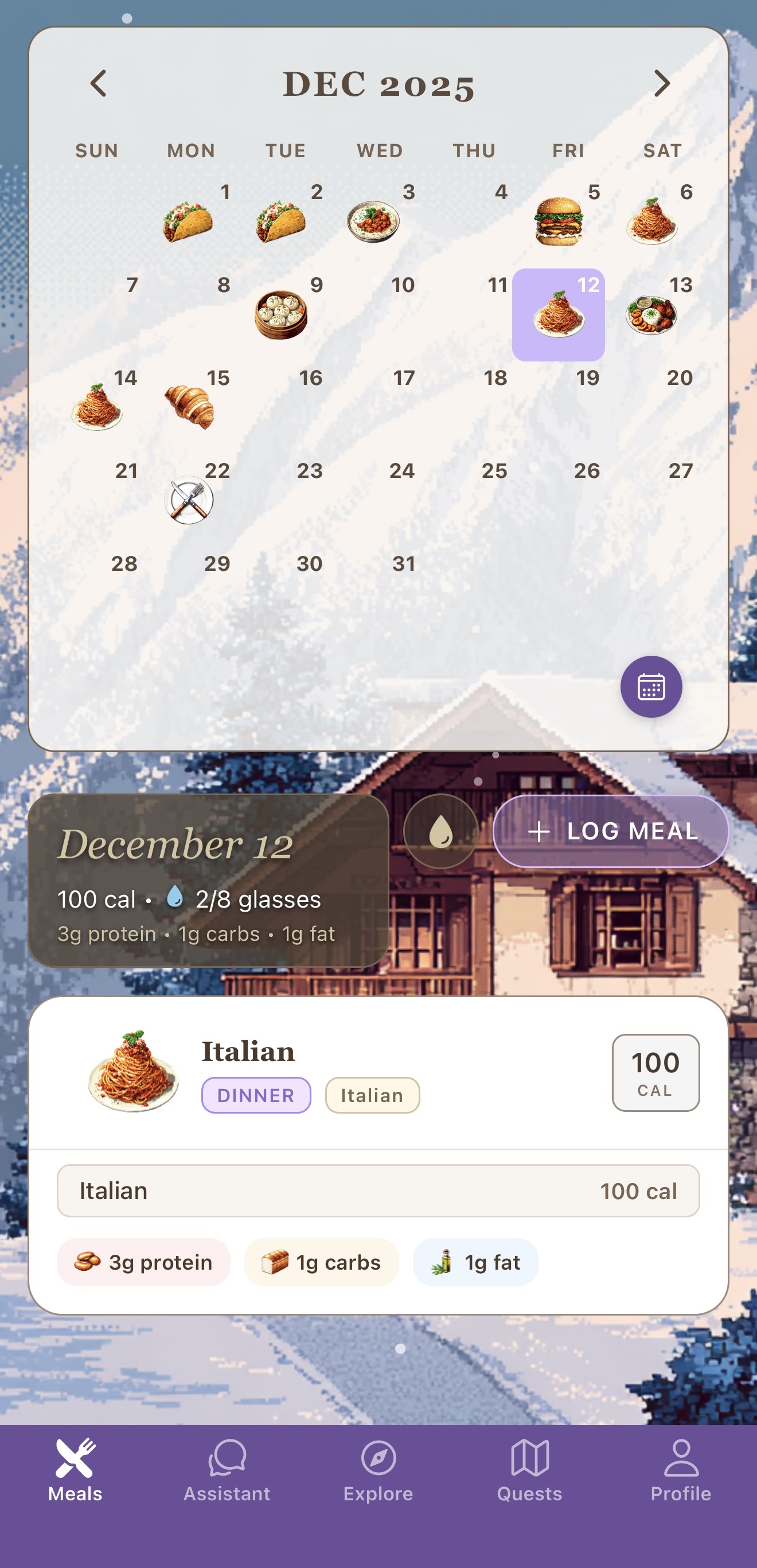
Review the auto-generated recipe, tweak anything you want, and save. Cook it later with hands-free step mode, log it as a meal, or add it to next week's plan.
From feed to fork to food log
Most TikTok recipe apps stop at the import. Nomrade keeps going. Every saved recipe is connected to your food diary, your macros, your weekly meal plan, and your food passport — so the gochujang pasta you saw on Tuesday turns into Thursday's dinner, logged in seconds, with calories and protein already counted.
It works the same way for Instagram Reels, Instagram Posts, and YouTube Shorts. Any short-form cooking video becomes a real, reusable recipe.
Frequently asked
Does Nomrade save recipes from any TikTok video?
Yes. Voiceovers, on-screen text, slideshows, fast-cut edits — Nomrade transcribes the audio and reads any visible text, then assembles a full recipe. If a creator only flashes ingredients on screen, the OCR catches them.
Can I save recipes from Instagram Reels and YouTube Shorts too?
Yes. The same importer works with TikTok, Instagram Reels, Instagram Posts, and YouTube Shorts. Paste the link or use the iOS Share Sheet — the recipe is generated the same way.
Is saving TikTok recipes free?
Yes. The Nomrade app is free on iOS and Android. Recipe imports are included on the free tier. Full Course ($6.99/month or $41.99/year, with a 7-day free trial on annual) unlocks unlimited imports and extras.
How is Nomrade different from ReciMe?
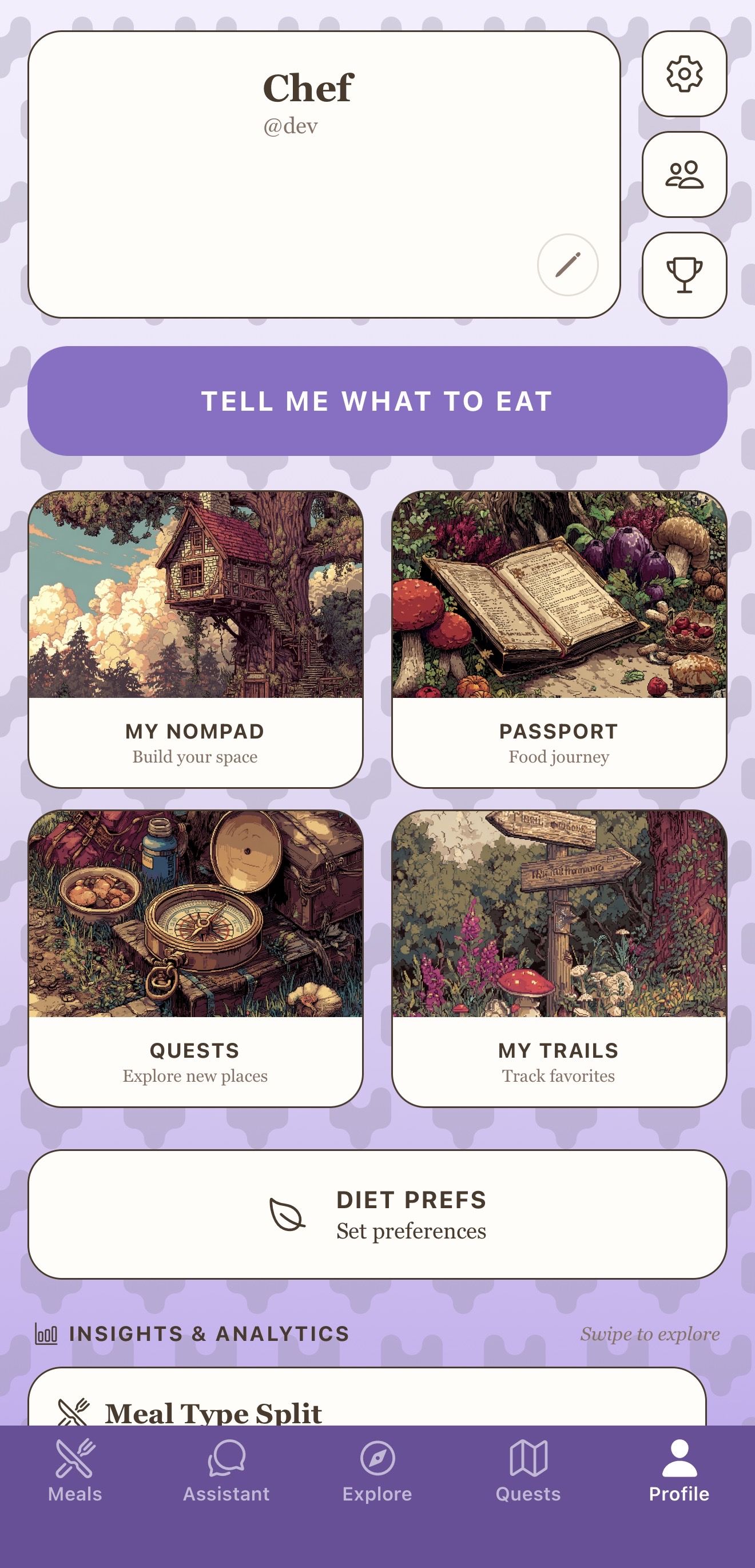
ReciMe imports the recipe and stops. Nomrade imports the recipe, lets you log it as a meal, tracks its macros, plans your week around it, and adds it to your food passport. It replaces a recipe saver, food diary, and meal planner in one app.
Are the ingredients and macros accurate?
Yes — and you can edit anything. Nomrade extracts what the creator actually says and shows on screen, then estimates macros from the ingredient list. Tap any ingredient or step to refine it before you save.
Save your next TikTok recipe in 10 seconds
Free on iOS and Android. The recipe saver, food diary, and AI meal planner — all in one app.